How AI Uses Student Data: A Privacy Lesson Plan for Grade 7

Open house night is next week. A parent corners you after the Q&A: “I heard the kids are using ChatGPT in class — what happens to what they type?” You smile and say something reassuring, but honestly? Most schools don’t have a ready AI data privacy lesson plan for grade 7 yet. This is that lesson plan — one you can hand back to that parent and actually feel good about.
TL;DR. When a middle schooler types a prompt into a free AI chatbot, the tool may store their conversation, log their device information, and in some cases use their input to improve future responses. Under COPPA (updated June 21, 2025), apps cannot share data from users under 13 with third parties without separate parental consent. Teaching grade-7 students three things covers most of the risk: what data the AI collects, where it goes, and how to avoid putting identifying information into a prompt.
What Data Does AI Actually Collect from a Middle Schooler?
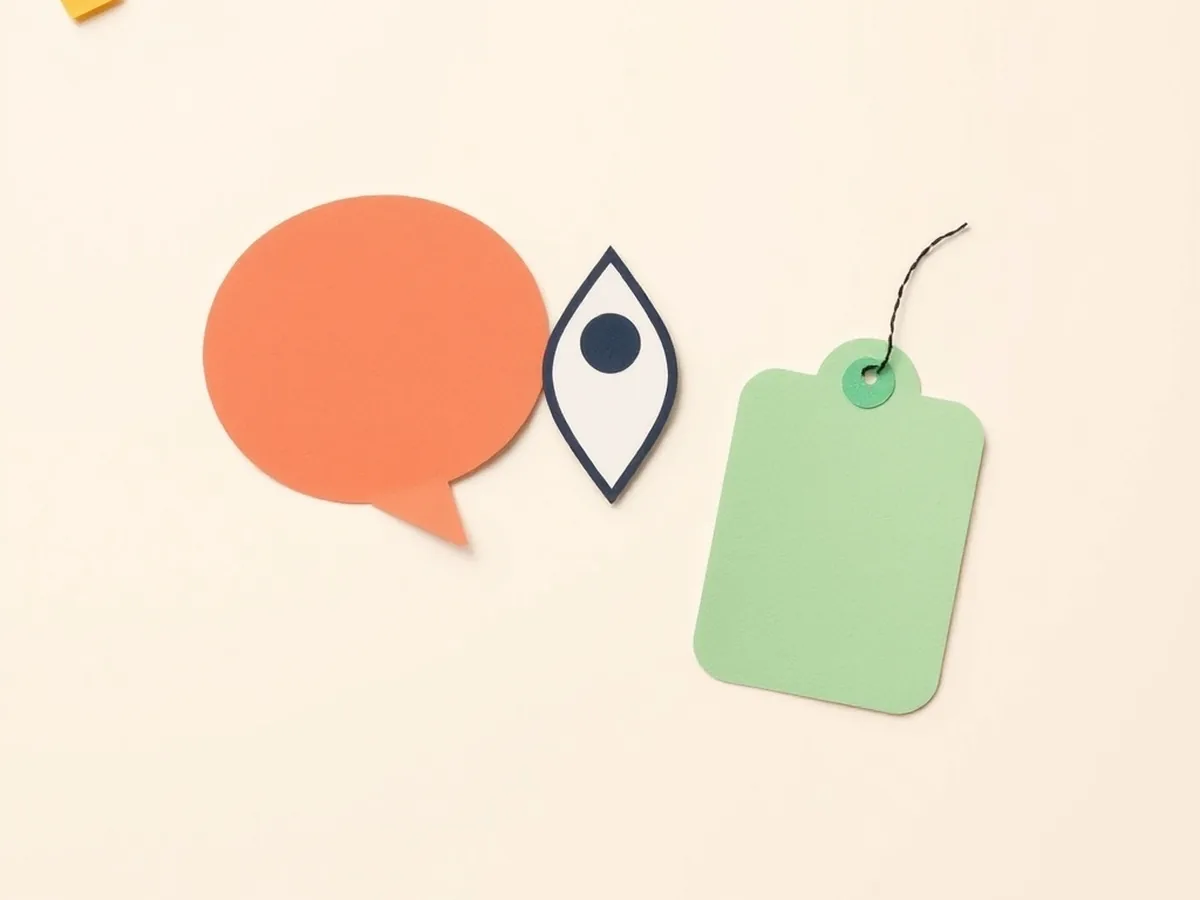
Before you can teach privacy, you need to know what you’re teaching about. Most free AI tools collect data in three main categories:
(a) Conversation and prompt history — the exact text a student types. Not a summary, not a category tag. The whole thing.
(b) Device and session metadata — the timestamp of the conversation, the device type, the browser, and a general location derived from the IP address. This happens even without an account.
(c) Account information if logged in — email address, profile name, and any preferences set up during onboarding.
Here’s the scenario that tends to land with grade-7 students: a student pastes their essay draft into a free chatbot to ask for feedback. That text — including any personal details in the essay — may enter commercial training pipelines. Unlike a deleted text message, the student generally cannot request its removal once it’s been processed. Under COPPA, updated effective June 21, 2025, apps cannot share data from users under 13 with third parties without separate parental consent. But “not sharing” and “not storing” are two different things.
This is exactly the gap that ISTE 1.2.d addresses: students should manage their personal data to maintain digital privacy and security. That standard was written for this moment.
The “Paste and Forget” Problem
When a student hits send on a free AI tool, the conversation doesn’t evaporate. It’s stored — often tied to the session even without a login — and may be used for model improvement. The Terms of Service that govern this process run thousands of words long. A 12-year-old has almost certainly never read them. Neither, if we’re honest, have most adults. Teaching students that “paste and forget” is not the same as “private” is one of the highest-impact moves any grade-7 teacher can make this year.
Why the “Cookies and Ads” Talk No Longer Covers It
For years, digital citizenship curricula leaned on a solid frame: websites track you with cookies, advertisers build a profile, you see targeted ads. Common Sense Education’s “Big, Big Data” lesson is a good version of that frame — and it was genuinely useful in 2022.
But generative AI changes the equation in a way that the cookies-and-ads model doesn’t capture. Traditional ad tracking observes your behavior; it doesn’t train on your content. A student who clicks on a soccer video gets served more soccer content. A student who types “my mom lost her job and I have to use the school Chromebook to do homework” into a free chatbot has revealed sensitive, unstructured context — and that text may contribute to the model’s future outputs in ways nobody can fully predict.
That’s a meaningful distinction. CCSS.ELA-LITERACY.W.7.8 asks students to gather relevant information from multiple digital sources and assess the credibility and accuracy of each source. Extending that standard to “evaluate what an AI tool actually does with your information” is a natural, defensible instructional move — and one that updates your digital citizenship scope and sequence without requiring a full curriculum overhaul.
For a deeper look at the legal framework — FERPA coverage, what COPPA does and doesn’t protect, and when school consent applies — see the companion post on AI data privacy for middle school.
How to Run This AI Data Privacy Lesson Plan for Grade 7 — 45-Minute Block
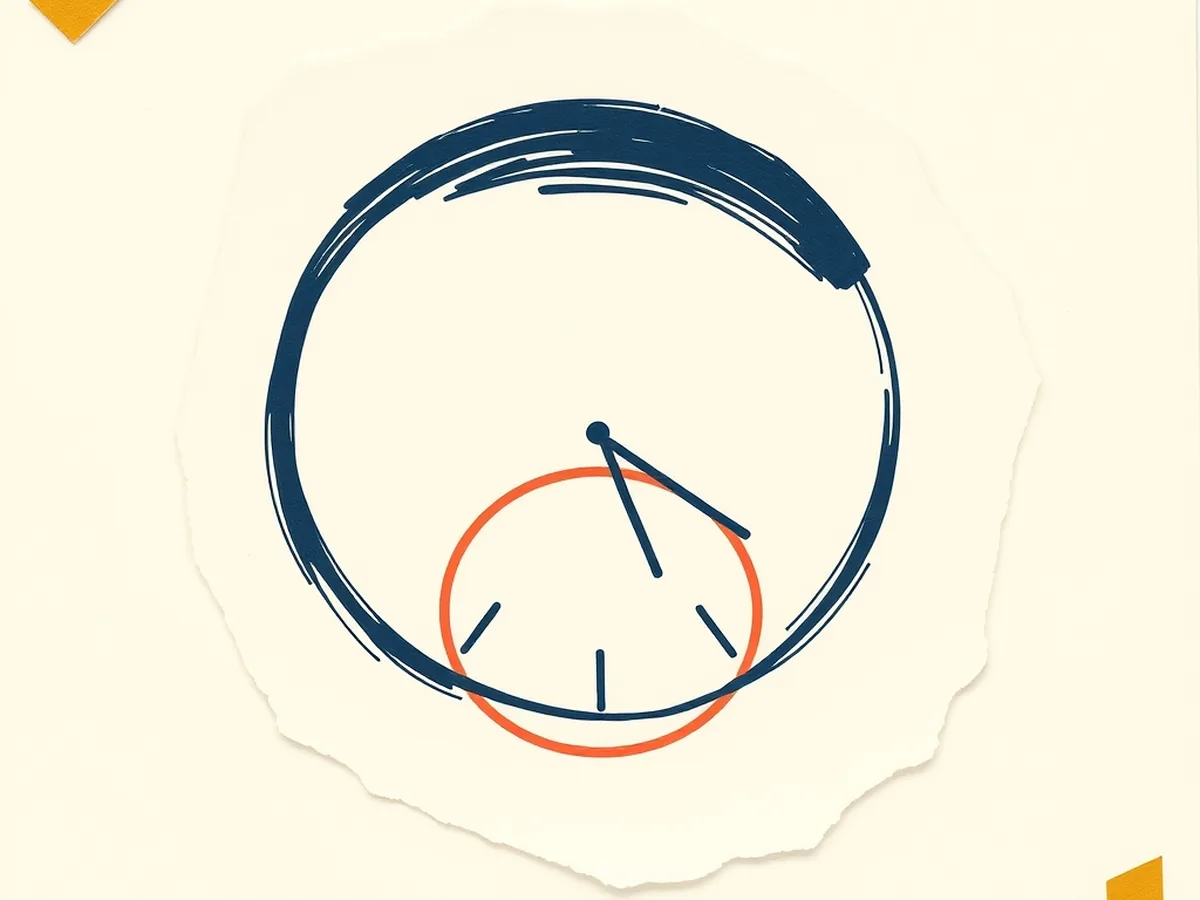
Here is a complete minute-by-minute structure for a single class period. Every time block is teachable without additional materials beyond the worksheet described in the next section.
| Time | What you do | What students do |
|---|---|---|
| 0:00–5:00 | Hook: ask “Who here has typed something personal into an AI tool?” | Students respond, raise hands, or write a quick yes/no |
| 5:00–15:00 | Mini-lecture: present the 3 data types AI collects (whiteboard sketch or slide) | Take structured notes on the three categories |
| 15:00–30:00 | Worksheet activity (see P10 below) | Complete the “What Does AI Know About Me?” worksheet |
| 30:00–40:00 | Small-group discussion: “Is this OK? What would you change?” | Groups present one takeaway each |
| 40:00–45:00 | Exit ticket: write one rule for using AI safely | Individual reflection |
This lesson aligns directly to two anchor standards. AI4K12 Big Idea #5 (Societal Impact) asks students to examine how AI can affect society both positively and negatively — a data privacy conversation is a textbook application of that idea. ISTE 1.2.d asks students to manage personal data to maintain digital privacy and security, which maps exactly onto what students practice when they learn to evaluate AI tools before using them. Citing both in your lesson plan documentation makes the pedagogy defensible for any administrator who asks.
The Student Data Privacy Activity Worksheet (student data privacy activity worksheet)
The P10 worksheet — “How AI Uses Your Data | Privacy and Big Data Lesson | Grades 6-7-8” — was built to fill the gap that existing free resources leave open. It includes:
- A student-facing worksheet with fill-in sections on data types, consent, and student choices
- A teacher discussion guide with facilitation prompts for the small-group section
- A standards alignment sheet citing ISTE 1.2.d and AI4K12 Big Idea #5
Here is how it compares to the free options currently available:
| Resource | Covers GenAI data? | Downloadable PDF? | ISTE anchor code | Discussion guide? |
|---|---|---|---|---|
| Common Sense “Big, Big Data” | No (cookies only) | No (web-only) | None cited | No |
| Common Sense “How Is AI Trained?” | Partial (training data only) | No | None cited | No |
| P10: How AI Uses Your Data | Yes | Yes ($7) | ISTE 1.2.d | Yes |
The comparison isn’t a knock on Common Sense — those resources do their job well for what they cover. But “how AI is trained” and “what happens to your specific input right now” are different questions. P10 addresses the second one, which is the question that grade-7 students are actually living with every day they open a free chatbot.
Download P10 here: How AI Uses Your Data | Privacy and Big Data Lesson | Grades 6-7-8
Three Habits That Help Grade-7 Students Protect Their Data
Habits matter more than rules because students can apply habits without a teacher in the room. These three are specific enough to actually use.
1. Never include identifying information in a prompt. That means no name, no school name, no grade, no teacher name, no classmate names, and no personal family details. Teach students to treat an AI prompt like a text to a stranger — helpful stranger, maybe, but a stranger. A useful classroom phrase: “Could you send this to someone you’ve never met? Then it’s okay.”
2. Choose education-edition tools when the school provides them. ChatGPT Edu, Khanmigo, and Canva for Education all turn off training on student inputs by default. When a teacher assigns a free consumer version of any AI tool, it’s worth noting — without drama — that consumer defaults may not carry the same protections. Students who know this can make informed choices even outside of school.
3. Read the key TOS line together as a class. Spend five minutes in class finding and reading the “data usage” or “how we use your information” clause of whichever AI tool is being used. Most are readable at a grade-7 level once you locate the right paragraph. Making this a class ritual — even once per semester — teaches the skill of actually checking, rather than scrolling past and tapping “agree.”
These habits pair naturally with source evaluation skills. The updated CRAAP test in Source Evaluation in the AI Era (P104) covers how to assess AI-generated information — a companion skill to knowing what the AI tool did with your input in the first place. See also the companion lesson on evaluating AI-generated sources for grades 6-8.
FAQ — AI Data Privacy Questions Grade-7 Teachers Ask
Q: What data does AI collect from middle school students who use it in class?
A: Most free AI tools collect at minimum the text a student types (their prompts), session metadata (time, device, location), and account information if the student is logged in. Some tools use conversation data to retrain their models, meaning a student’s essay or personal detail could appear in future AI outputs. Under the FTC’s updated COPPA rules (effective June 21, 2025), any platform collecting data from users under 13 must get separate parental consent before sharing that data with third parties.
Q: Is there a ready-made lesson plan that teaches grades 6-8 students how AI uses their data?
A: Yes. The “How AI Uses Your Data | Privacy and Big Data Lesson | Grades 6-7-8” is a print-ready PDF on Teachers Pay Teachers that walks students through what data AI systems collect, how big data trains machine learning models, and what students can do to protect their information. It includes a student worksheet, a teacher discussion guide, and standards alignment for ISTE 1.2.d and AI4K12 Big Idea #5.
If you want the full print-ready version, grab P10 on TPT — it’s $7 and ready to print before your next period. If you’d like a free starting point first, the Starter Pack at ailiteracyshop.com/free/ includes beginner-friendly AI literacy materials you can use with students right away.
This post was drafted with AI assistance and human-finalized.
Quick questions
Most free AI tools collect at minimum the text a student types (their prompts), session metadata (time, device, location), and account information if the student is logged in. Some tools use conversation data to retrain their models, meaning a student's essay or personal detail could appear in future AI outputs. Under the FTC's updated COPPA rules (effective June 21, 2025), any platform collecting data from users under 13 must get separate parental consent before sharing that data with third parties.
Yes. The 'How AI Uses Your Data | Privacy and Big Data Lesson | Grades 6-7-8' is a print-ready PDF on Teachers Pay Teachers that walks students through what data AI systems collect, how big data trains machine learning models, and what students can do to protect their information. It includes a student worksheet, a teacher discussion guide, and standards alignment for ISTE 1.2.d and AI4K12 Big Idea #5.
Get the free AI-Proof Assignment Toolkit
10 ways to redesign any assignment so an AI chatbot structurally can't do it — plus a redesign worksheet, a 45-minute lesson, the “Spot AI Work” card, and parent templates. One email, all 5 pieces.
Prefer the full breakdown? See everything inside the toolkit →